
Break the Limits: Convert MPD Streams to MP4 for Unlimited Offline Entertainment!
The ultimate solution to save encrypted MPD streaming videos as offline MP4/MKV files. Handle complex streaming formats effortlessly. Build your personal library from Flimin, GagaOOLala, Channel 5, d-anime Store, and 170+ streaming sites with original quality.
What is Y2Mate MPD Downloader?
Y2Mate MPD Downloader empowers you to download videos directly from MPD-based streaming services to MP4 or MKV formats. Unlike screen recorders, Y2Mate fetches the source file and merges streams onto your hard drive. Support your offline experience with cinema-quality visuals. Enjoy them on a plane, commuting, or in a remote location—anytime, anywhere.
A “Downloader”, not a “Recorder”
We "download" rather than "record" the video, which means we can analyze the source of the video being played on the web page and download it.
Discover Y2Mate's Multifaceted Features
Lossless HD Video & 5.1 Surround Sound Download
MP4/MKV Conversion for Windows & Mac
Customizable Audio Tracks & Subtitles
Ad-Free & High-Speed Batch Download
Windows 11/10 or above / macOS 11.0 or newer
Intel i3 or above / Core 2 Quad or above
4GB RAM
40GB of free hard disk space
Live internet connection
Please note: Use of Y2Mate is for personal use only and does not entitle you to share downloadable material with third parties. Please respect the copyrights of supported streaming providers.
The 30-day free trial of Y2Mate is limited to approximately 3 downloads per product.
In the paid version of Y2Mate, each product is limited to approximately 100 downloads per day to avoid being blocked.
3 Steps to Use Y2Mate!
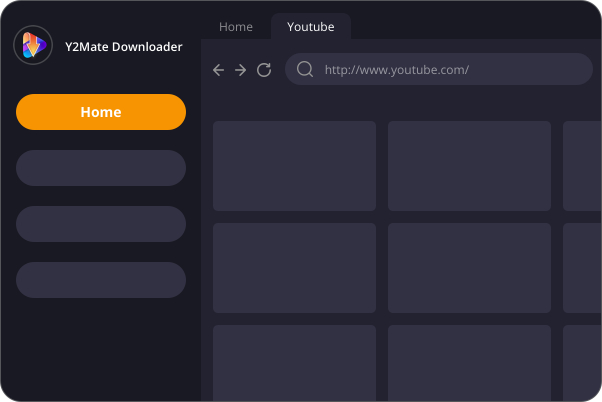
Input the Website URL
Copy the URL of the streaming site containing the MPD video, then paste it into the Y2Mate built-in browser. Log in to your account to access the content.
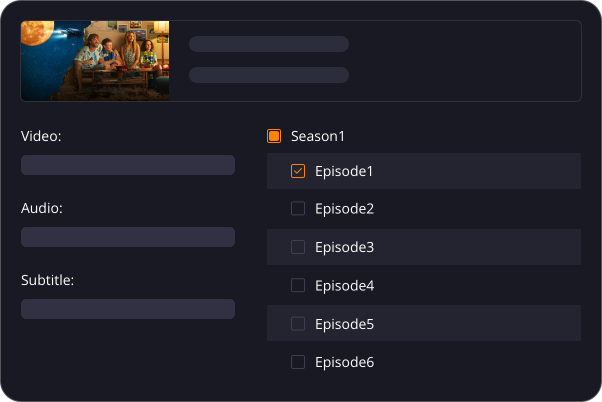
Auto-Detect the Video
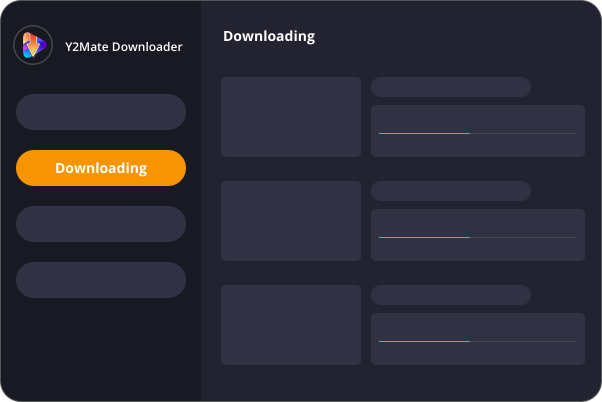
Customize & Download
Get MPD Downloader Now!
MPD Downloader
(Monthly Plan)
US$ 35.90
Can be used on 1 PC
Cancel Anytime
7-Day Money-Back Guarantee
MPD Downloader
(Lifetime Plan)
US$ 139.90
US$174.90
Can be used on 1 PC
Lifetime Use
14-Day Money Back Guarantee
Y2Mate One
(Lifetime Plan)
US$ 299.90
US$428.50
All-In-One Product
Can be used on 1 PC
Lifetime Use
14-Day Money Back Guarantee
Answers to Common Queries
- Operating System: Windows 11/10 (32/64 bit), or macOS 11.0 or newer
- Processor: Intel i3 or above
- RAM: 4GB or above
- Free Hard Disk Space: 40GB or above
- Internet Connection: A live Internet connection is required for the downloader to function properly.
- 1. Check if the video is playable in your browser (Chrome or Microsoft Edge).
- 2. Verify if the specified output folder for downloaded files is full. If so, try another folder or free up space. You can access the default output location via Settings > General > Output Directory.
- 3. Wait for later update to add more supported sites.
- 4. If the problem persists, contact us Provide links to the problematic videos and share the latest Y2Mate.log file for troubleshooting, found in Settings > General > Log Directory.